Every mod loader
Forge, NeoForge, Fabric and Quilt are installed for you, matched to the version the server runs.
- Forge
- NeoForge
- Fabric
- Quilt
Neko Launcher installs the modpack, logs you in with Microsoft and keeps every version in sync, so the only thing left to do is play.


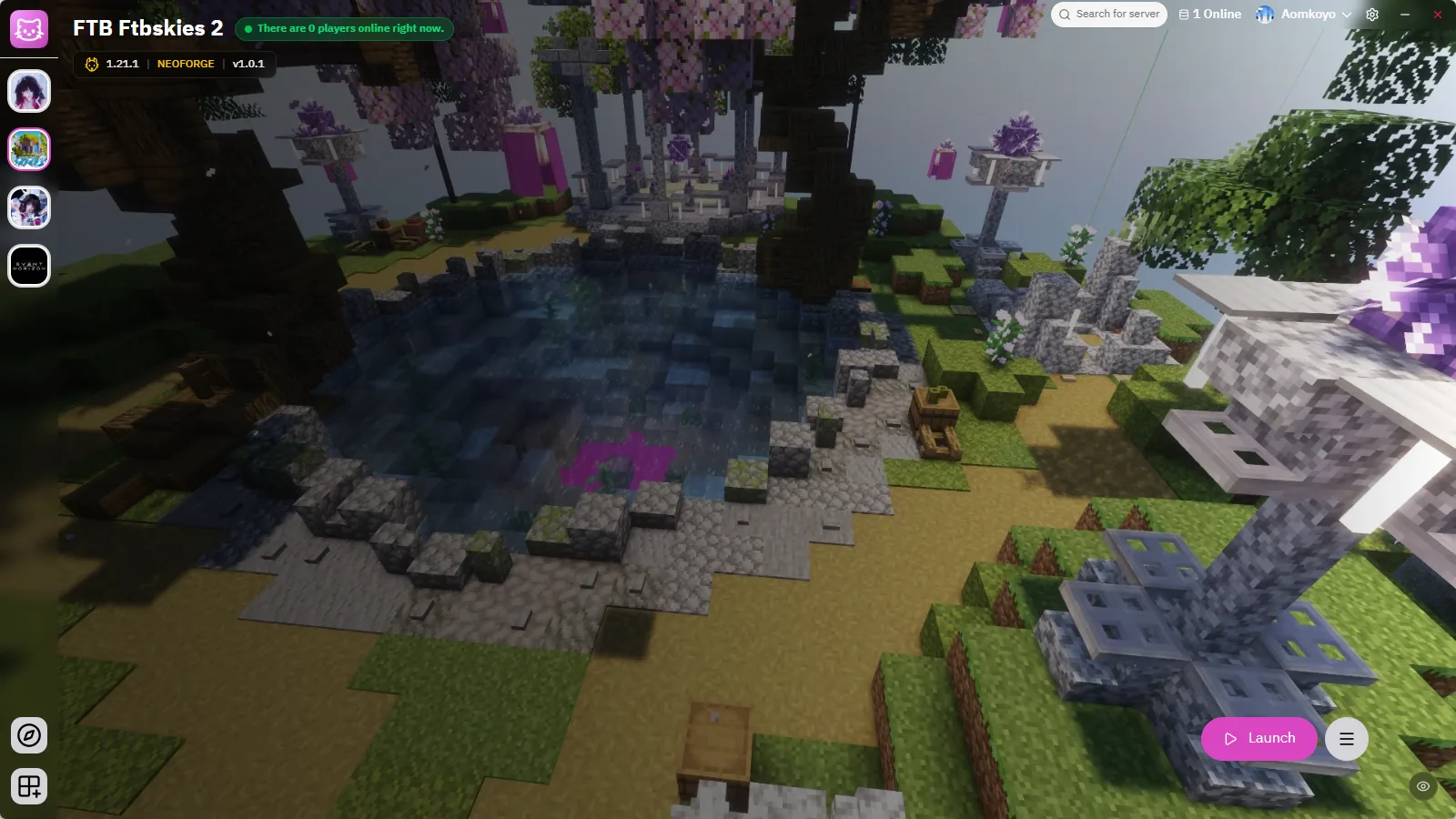
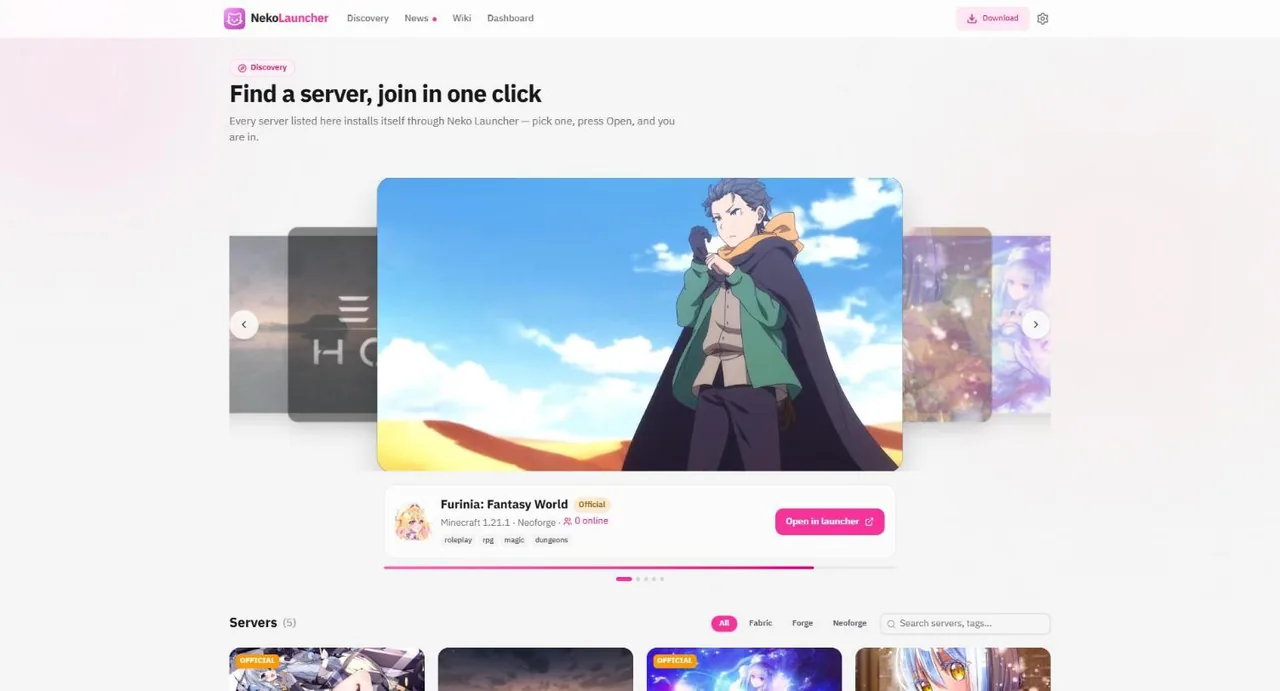
Browse Discovery, open an invite link or type a server address. Neko sets up the right Minecraft version, loader and mods for that server, then launches straight into it.
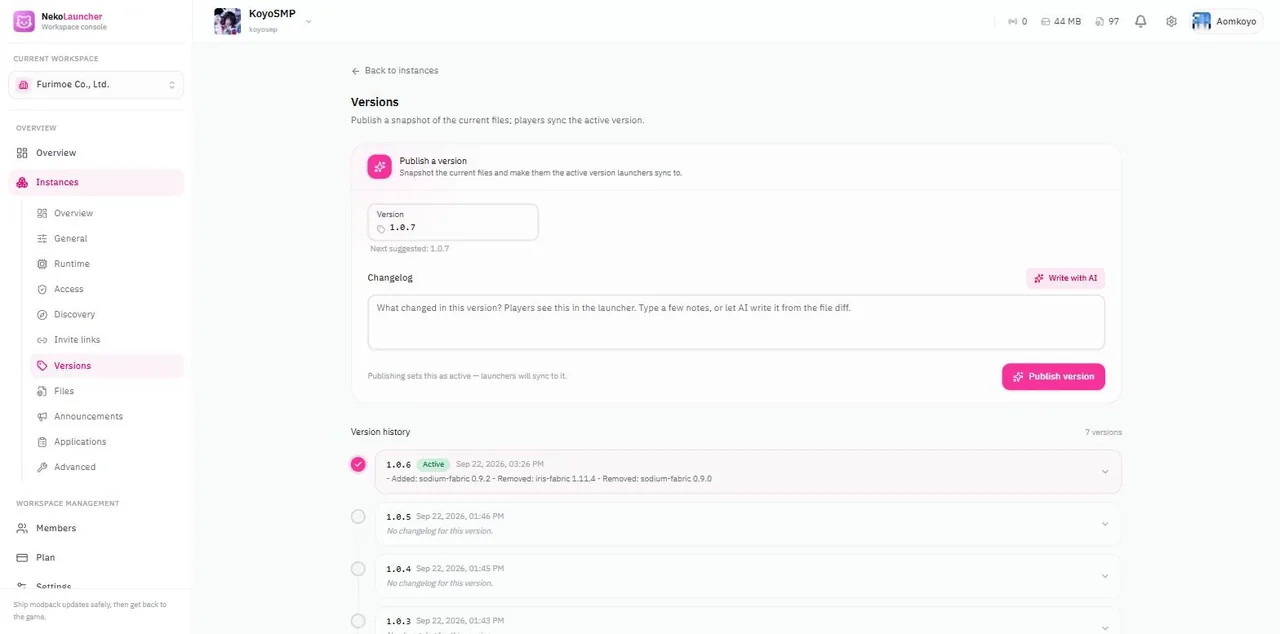
When a server owner publishes a new version, every player gets it on the next launch. No manual downloads, no mismatched mod lists, no "which version are you on?".
Upload files, manage a whitelist, review join applications and post announcements that appear inside the launcher. Invite teammates and give each one exactly the permissions they need.

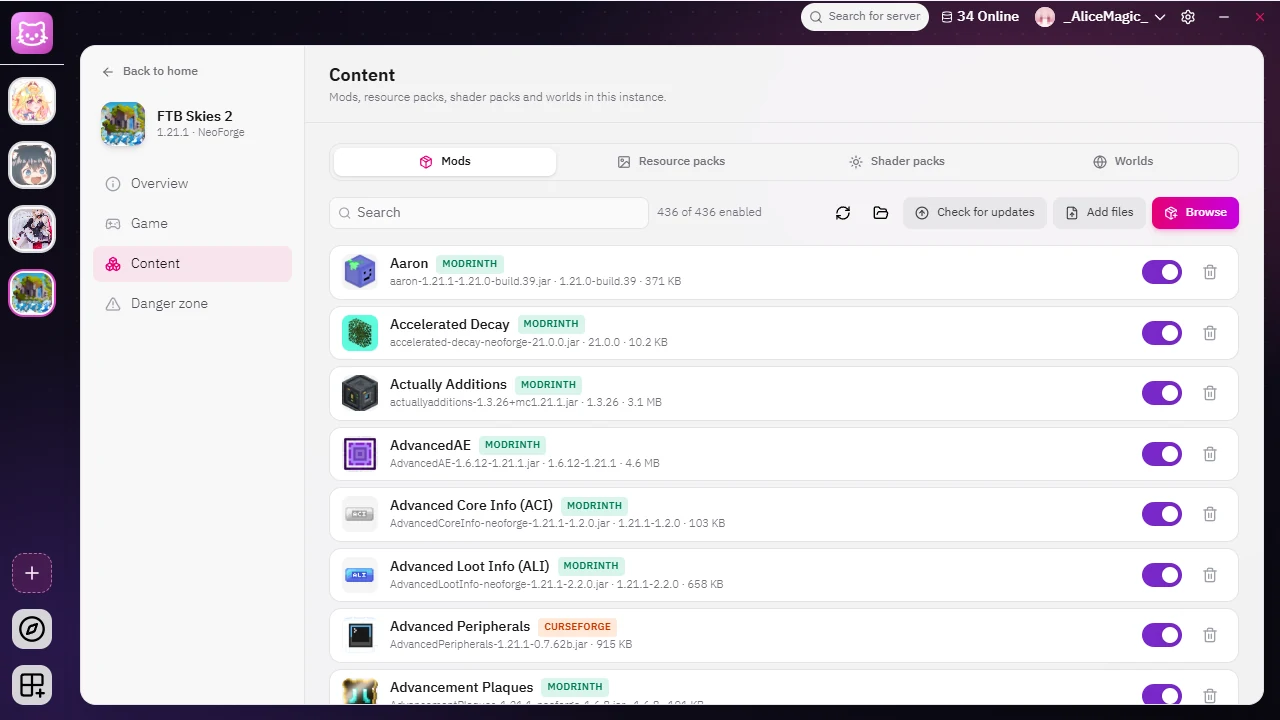
Browse Modrinth, CurseForge, FTB and ATLauncher right inside Neko Launcher. Search, sort, pick a version and install; it keeps going in the background while you do something else.
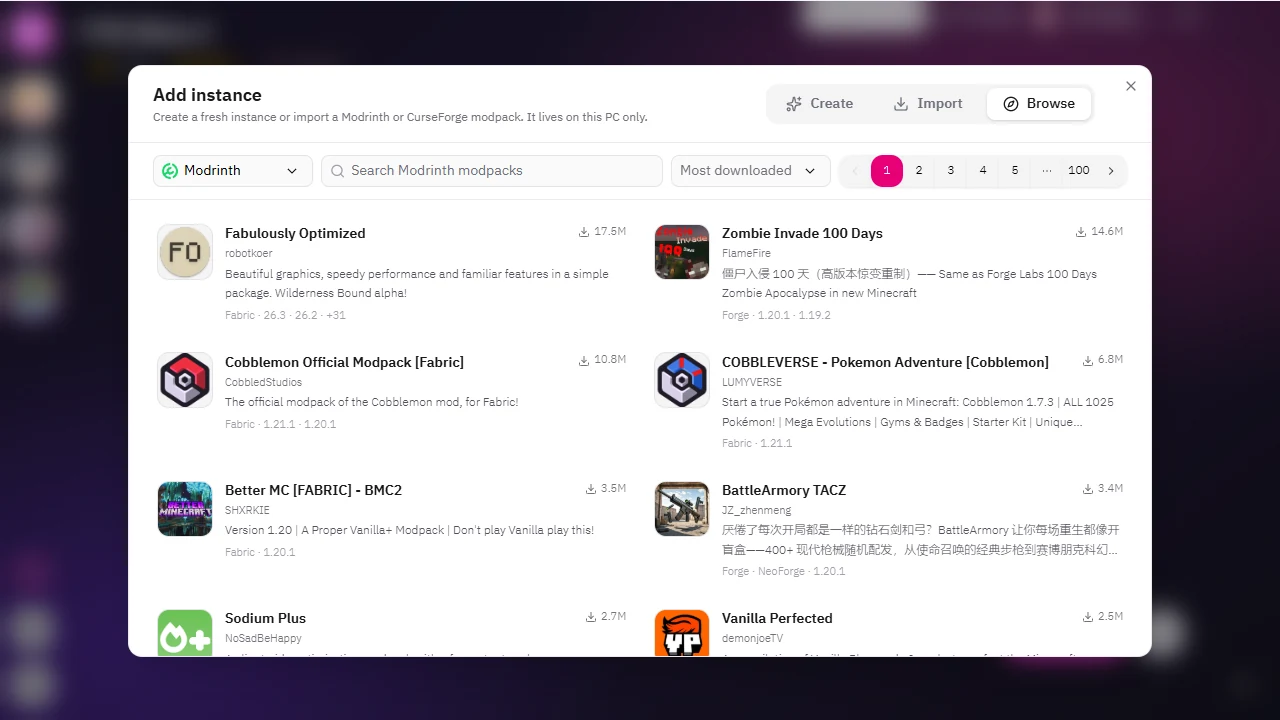
Create an instance with any Minecraft version and Fabric, Quilt, Forge or NeoForge. It lives on your PC and works without our servers, and every setting is one page away.
Forge, NeoForge, Fabric and Quilt are installed for you, matched to the version the server runs.
Owners browse and add mods from both catalogues without leaving the dashboard.
Sign in with your Microsoft account. Neko never sees your password.
Stable, beta and staging channels; the launcher updates itself in the background.
Friends see which server you are on and can jump in.
Point play.yourserver.com at your instance with one-click DNS setup through Domain Connect.
play.yourserver.com → Neko
Neko Launcher has an MCP server built in. Connect Claude, Cursor or any other MCP client, then ask it to start a game, add mods or find out why the game crashed.
npx @neko-launcher/cli setup claude-codeTurn the server on first: Settings → Launcher → Developer mode, then Developer → MCP server.
Playing is always free. Owners pick a plan sized to their server; prices are shown in your local currency and billed monthly.
Free
See price at checkout
See price at checkout
See price at checkout
See price at checkout
Pay by credit or debit card, PayPal or crypto, or PromptPay QR in Thailand. Payments are processed by our payment providers; we never store card details.
Plans renew monthly. Cancel any time from the dashboard and keep access until the end of the paid period.
Charged twice or by mistake? We refund it. Full terms in our refund policy
Free for players on Windows, macOS and Linux. Server owners get a dashboard from the first instance.